
Imaging orders, images and reports stay with the patient's visit.
Radiology shares the laboratory's ordering model: the clinician orders, the department sees the worklist, and images and reports are attached to the order so the clinician reads them from the same record.
- Capabilities
- 6
- Workflow steps
- 3
- Works on
- Web · App
Used by
- Radiographers
- Radiologists
- Clinicians
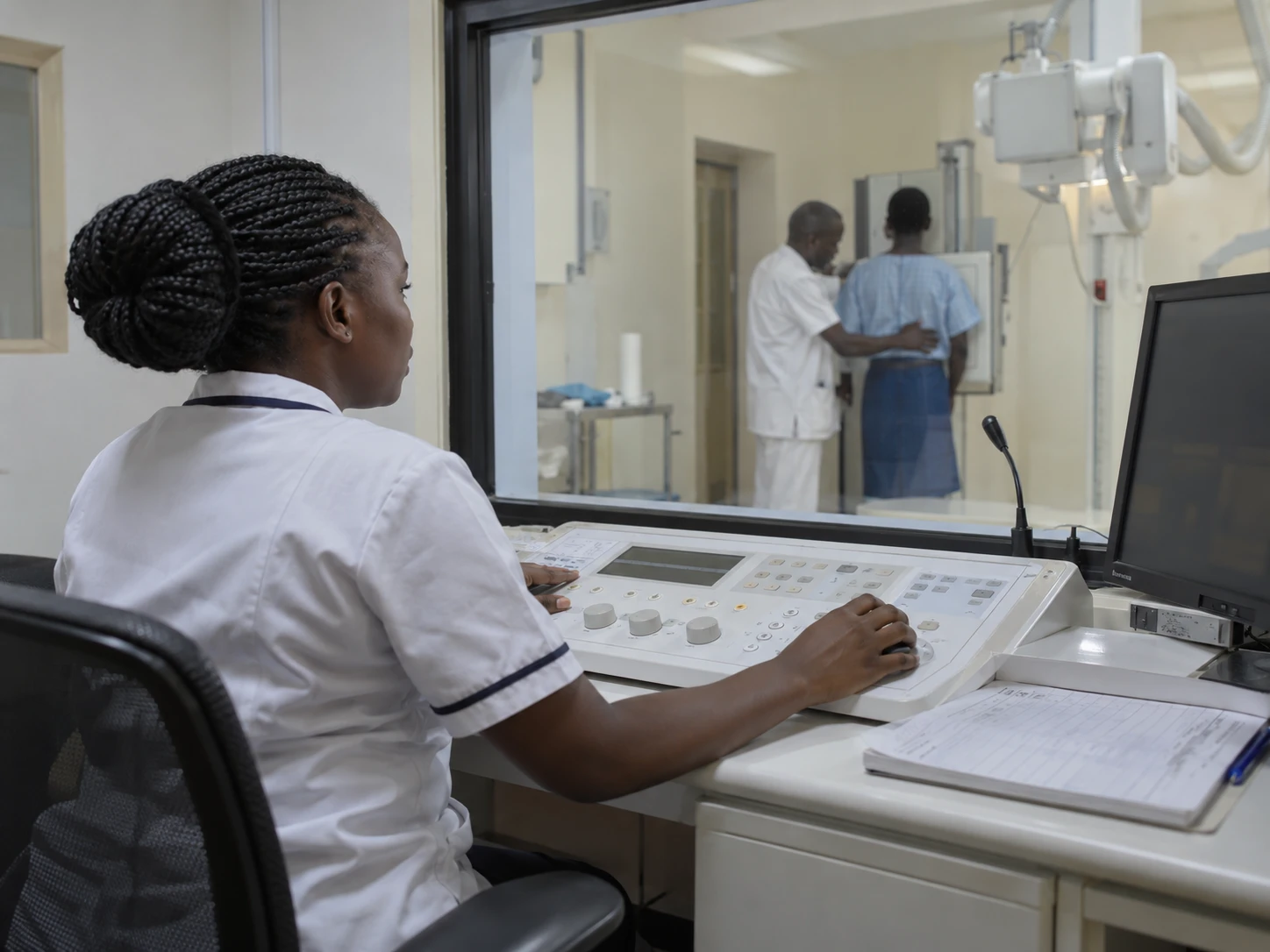
How it works
How the work moves, step by step.
- 1
Order
The clinician orders the examination; the bill item is created.
- 2
Perform
The radiographer updates the order and attaches images.
- 3
Report
The radiologist records the report; a PDF is available.
See it
The real screens your staff will use.
From a demonstration hospital. Names and figures are fictitious.
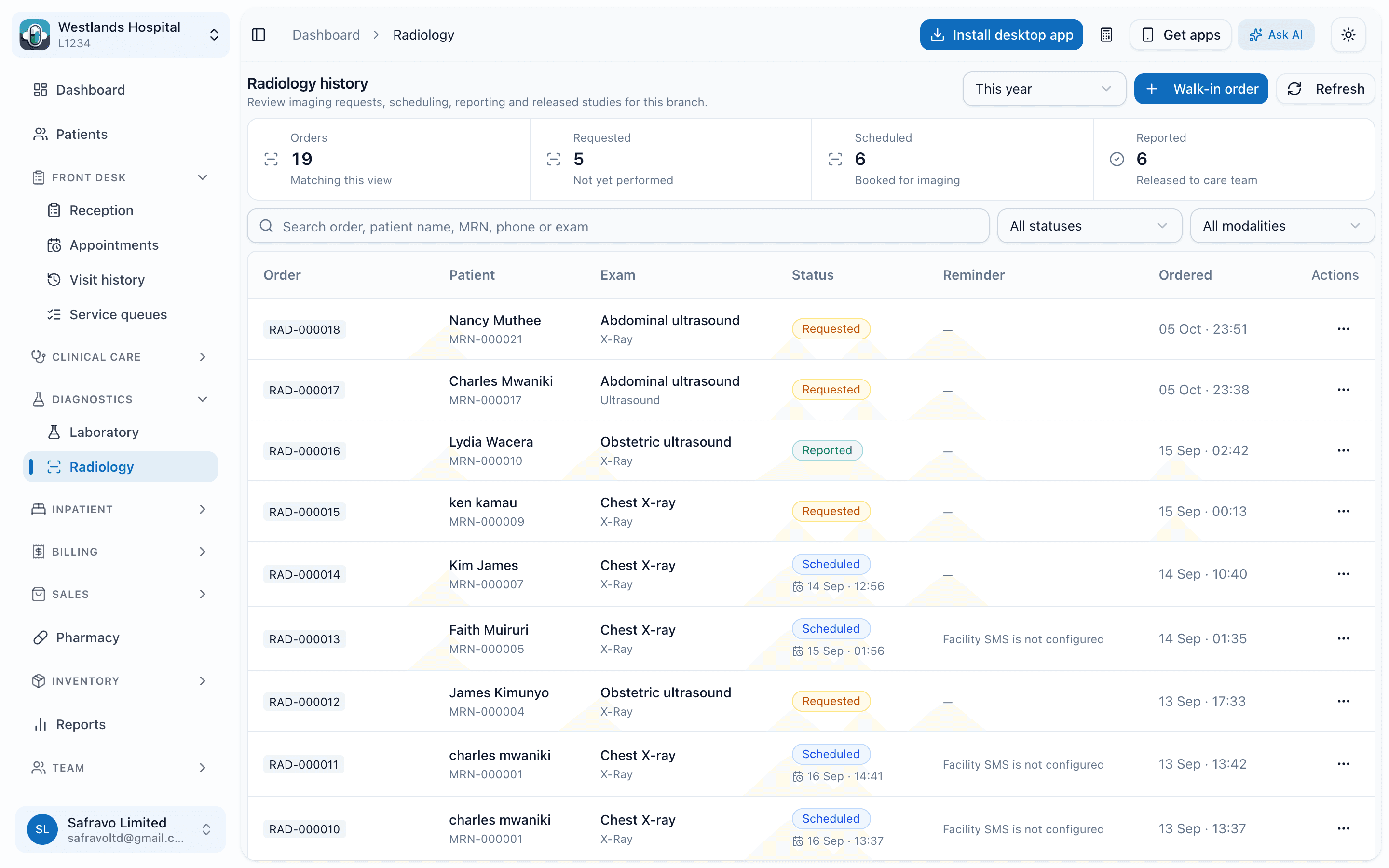
Radiology worklist
Imaging orders with patient, examination, status from requested to scheduled and reported, and reminders.
What it does
Everything included, as it exists today.
Orders and worklist
3- Imaging examinations in the billable-services catalogue with prices per branch
- Orders from the consultation or the department, with billing linked
- Worklist by status, with cancellation and reminders for pending examinations
Images and reports
3- Image and document attachments on each order, uploaded from a computer or from a phone via a mobile upload link
- Radiologist report entry and a branded report PDF
- Results visible to the ordering clinician on the care timeline
Works with
Where the patient goes next.
Questions
About radiology and imaging
Is this a PACS?
Next step
See radiology and imaging running on your hospital's workflows.
A demo takes about 45 minutes. We walk through the departments you run, on real screens, and leave you with a written scope and quote.
Or call +254 746 289 413 · Monday to Saturday, 8:00 to 18:00 EAT